
Simulation Platform
To support developers in development, debugging, and testing without physical robot hardware, the Daystar Bot SDK provides a simulation platform SDK, offering a virtual environment for robot development and testing. This avoids excessive experimentation on actual hardware, thereby improving development efficiency and reducing risks.
1. Overview
1.1 Simulation Platform Introduction
Webots is an open-source 3D robot simulation platform designed for robotics research, education, and industrial applications. It supports various robot types, including wheeled robots, quadruped robots, robotic arms, drones, and more. It enables high-precision robot motion simulation with physics engine support. The Daystar Bot Simulation SDK is implemented based on the Webots platform.
1.2 Supported Features
- Basic motion control
- Robot status monitoring
2. Installation & Environment Setup
2.1 System Requirements
- Linux (Recommended): Ubuntu 20.04
- Windows: Windows 11 (requires a dedicated GPU and must run in a Linux environment, e.g. WSL2)
2.2 Download, Installation & Environment Setup
Download Link: Simulation Tool Download
Linux System
Install Webots
- Extract the downloaded
daystar-bot-sdk-sim-tools.tar.gz(includes Webots tools, simulation SDK, and robot model):
tar -xvzf daystar-bot-sdk-sim-tools.tar.gzWindows System
Install WSL and Upgrade to WSL 2
- Refer to Microsoft's official guide for installation:
https://learn.microsoft.com/en-us/windows/wsl/install - Post-installation configuration:
- Manually create a
.wslconfigfile. - Copy it to the C:\Users directory.
- Restart WSL for the changes to take effect.
# Settings apply across all Linux distros running on WSL 2
[wsl2]
networkingMode=mirrored
firewall=true
dnsTunneling=true
autoProxy=true
Install Webots
- Extract the downloaded
daystar-bot-sdk-sim-tools.tar.gzfile (contains Webots tools, simulation SDK, and robot model):
tar -xvzf daystar-bot-sdk-sim-tools.tar.gz2.3 Launching the Simulation Platform
After installation. Launch the simulation with the following steps: (path: lenovo-sdk-server-sim/programs/webots_release/rc_core)
- Run:
sudo ./run_webots.sh- On first launch, the platform will download required Webots resources online. Ensure a stable internet connection and wait patiently.

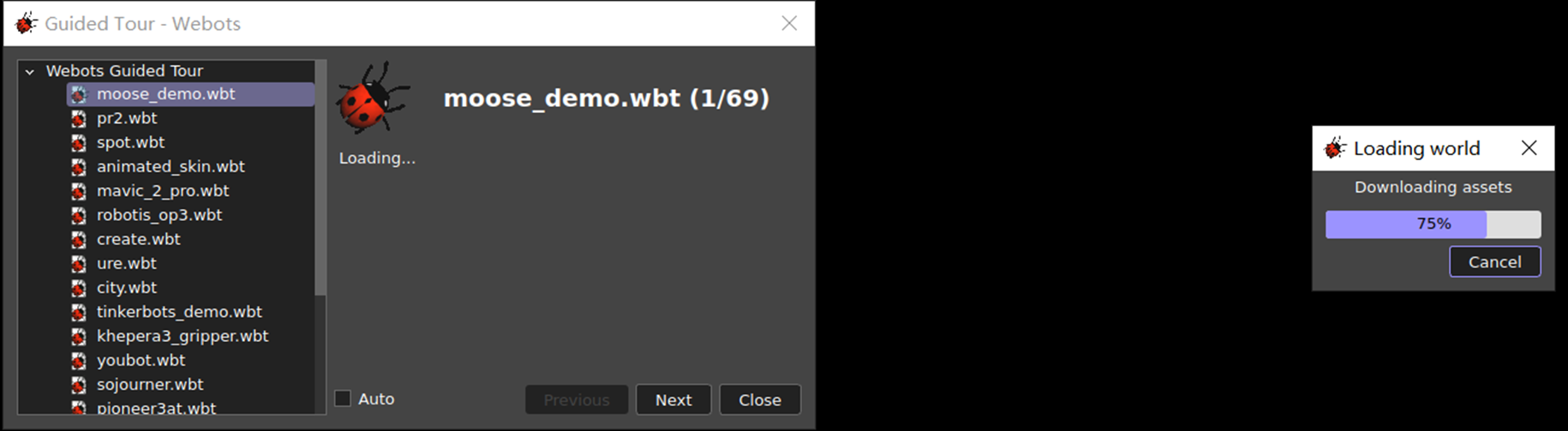
# 3. Quick Start Guide ## 3.1 Loading the Default Robot Model After Webots resources are downloaded, load the preconfigured **Daystar Bot** model:
- In Webots: File → Open World →
saturn_V2.0_simple_model.wbt - Model path:
webots/webots_release/rc_core/webots/worlds/saturn_V2.0_simple_model.wbt

If success:
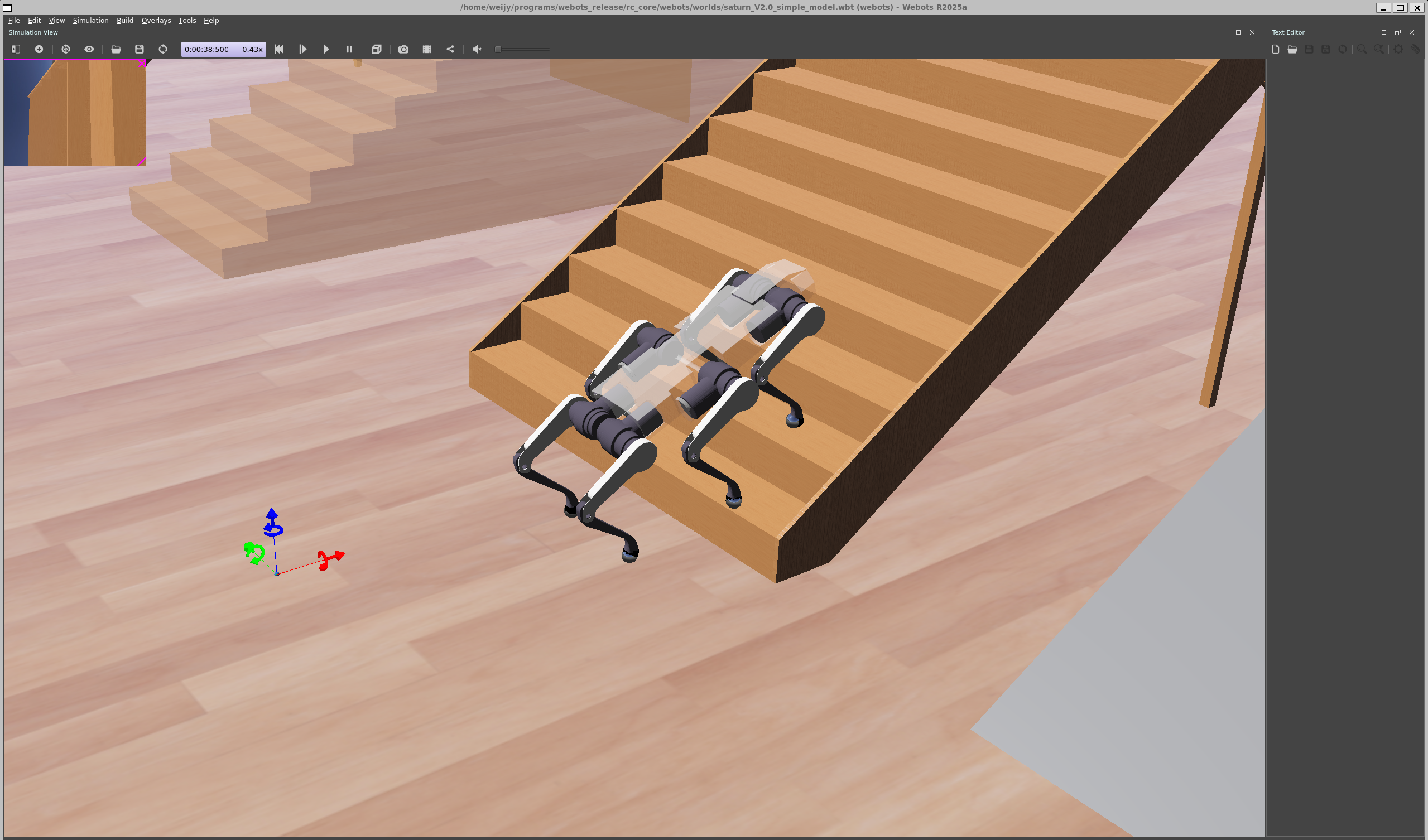
3.2 Basic Operations
Once the model loads successfully:
- Connect your application device (running DaystarBot SDK) and the simulation device to the same local network.
- Control the simulated robot via LAN.
4. Troubleshooting
Issue 1: run_sim.sh fails with "library not found"

Solution: Install missing dependencies: sudo apt-get install -f, then rerun ./run_sim.sh.
Issue 2: Missing libopencv_core.so.4.2

Solution: Manually install OpenCV 4.2 compatibility packages.
sudo add-apt-repository universe
sudo apt update
sudo apt install -y libopencv-core4.2
If sudo apt install -y libopencv-core4.2 fails, create a symlink:


Issue 3: Missing libopencv_imgcodecs.so.4.2
Solution:
Check current OpenCV versions:

Solution:
Run the command ldconfig -p | grep libopencv_imgcodecs to check the current path and version of the libopencv_imgcodecs library, then execute the following command to create a soft link to version 4.2.
Solution:
- Check current OpenCV versions:
ldconfig -p | grep libopencv_imgcodecs- Symlink to v4.2:
sudo ln -s /usr/lib/x86_64-linux-gnu/libopencv_imgcodecs.so.4.6.0 /usr/lib/x86_64-linux-gnu/libopencv_imgcodecs.so.4.2
sudo ldconfig
Issue 4: wsl --install fails with "cannot resolve server"
Solution: Modify the hosts file:
- Find a valid IP for
raw.githubusercontent.com(e.g.,185.199.110.133) via IP Lookup - Edit
hosts:- Path:
C:\Windows\System32\drivers\etc\hosts - Add:
- Path:
185.199.110.133 raw.githubusercontent.comIf permission denied: Right-click file → Properties → Security → Add Everyone with full control.
- Verify DNS:
ping raw.githubusercontent.comIssue 5: Webots launches with a black screen (no 3D model)

Solution: Update your GPU drivers and restart Webots.